Don't let apps DRAIN Your Attention

Let Drain naturally kill doomscrolling without restricting entire apps.
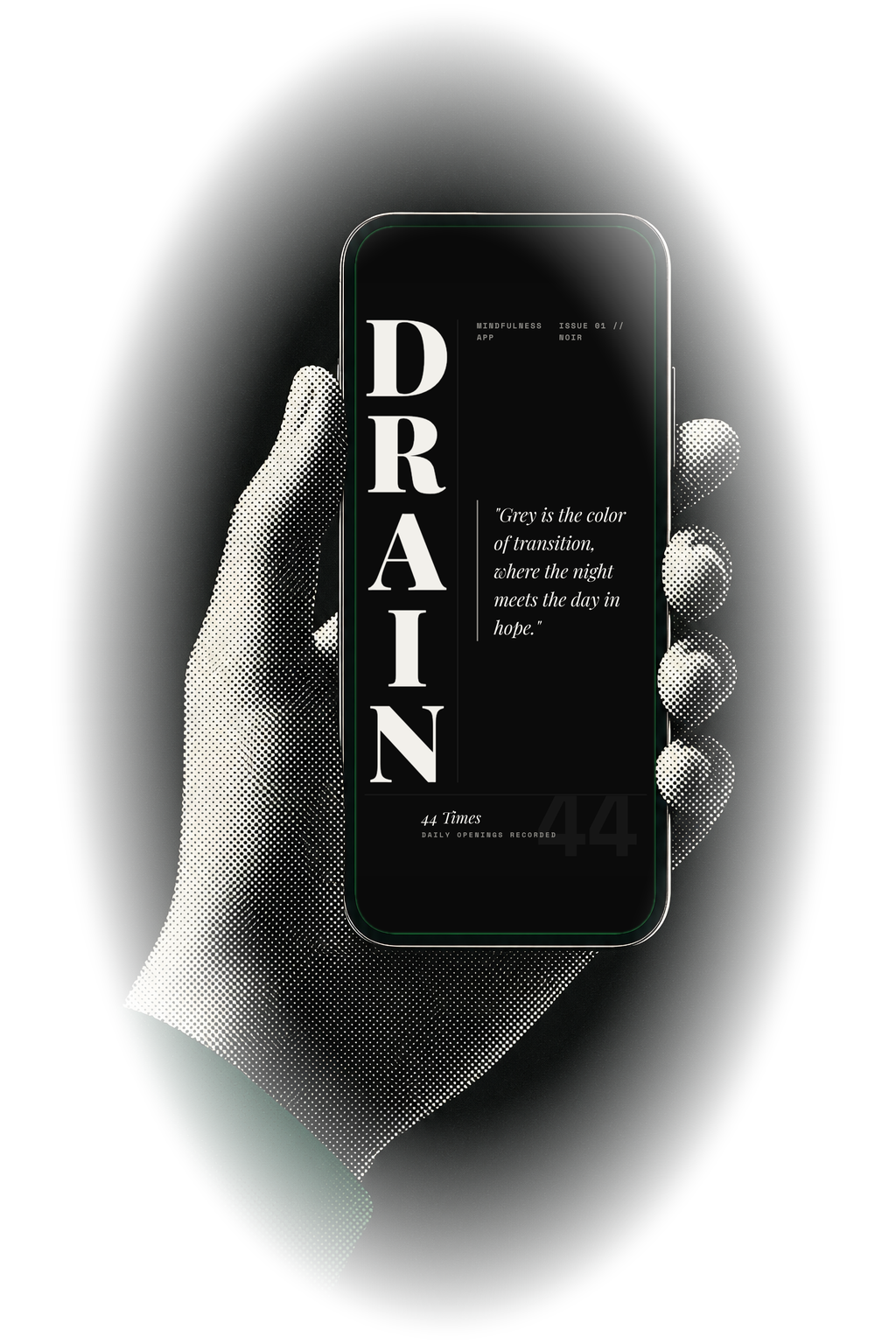
Halftone editorial illustration of a hand holding a phone showing the Drain noir screen.

We’ll use your email for waitlist updates. Or view the app listing.

How it works

Three steps. Clear boundaries.

Choose the apps that pull too hard, start Drain when you want the effect, then let Android handle the screen-capture confirmation it requires.

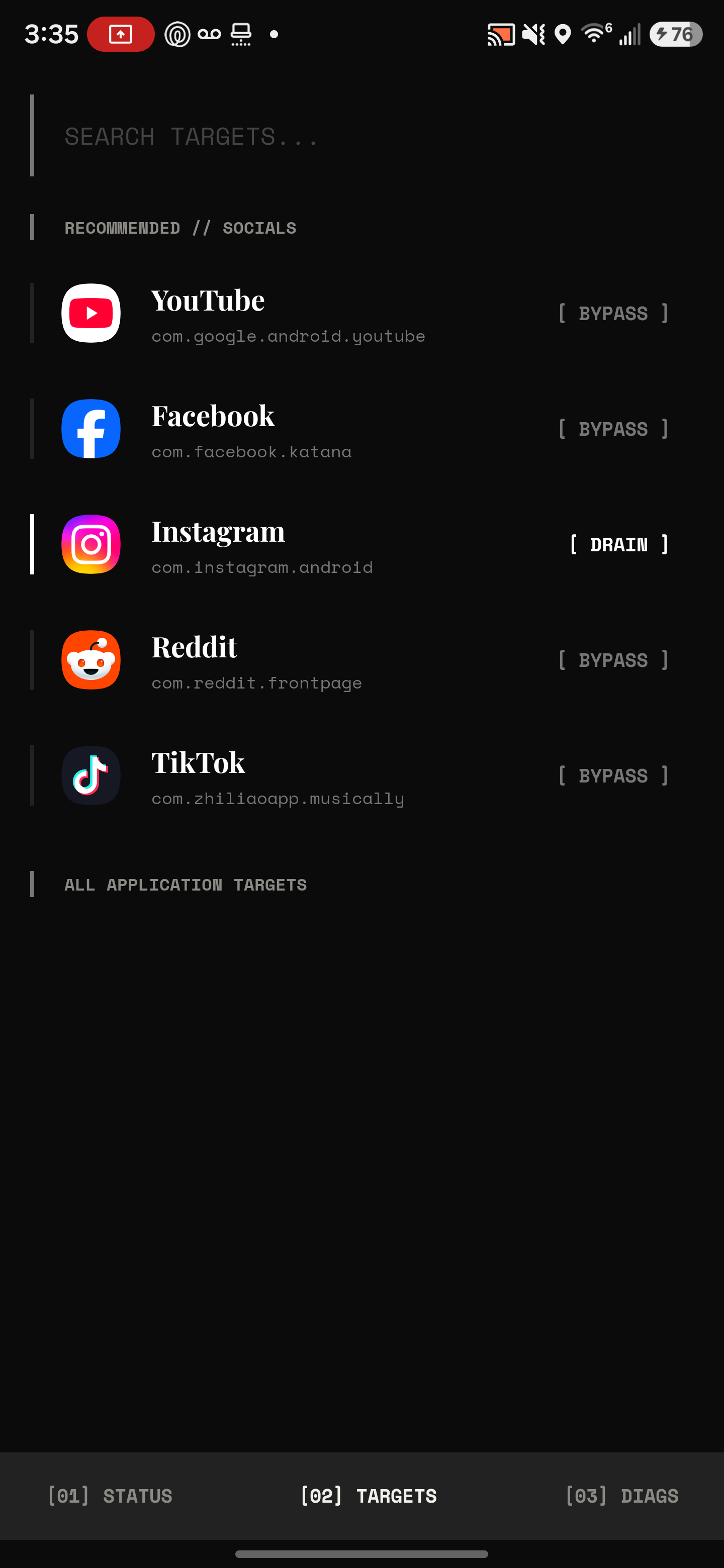
Drain's Target apps screen listing apps like YouTube, Instagram and TikTok with Drain or Bypass tags.

Choose Target Apps

Pick the apps that tend to turn a quick check into a longer loop.
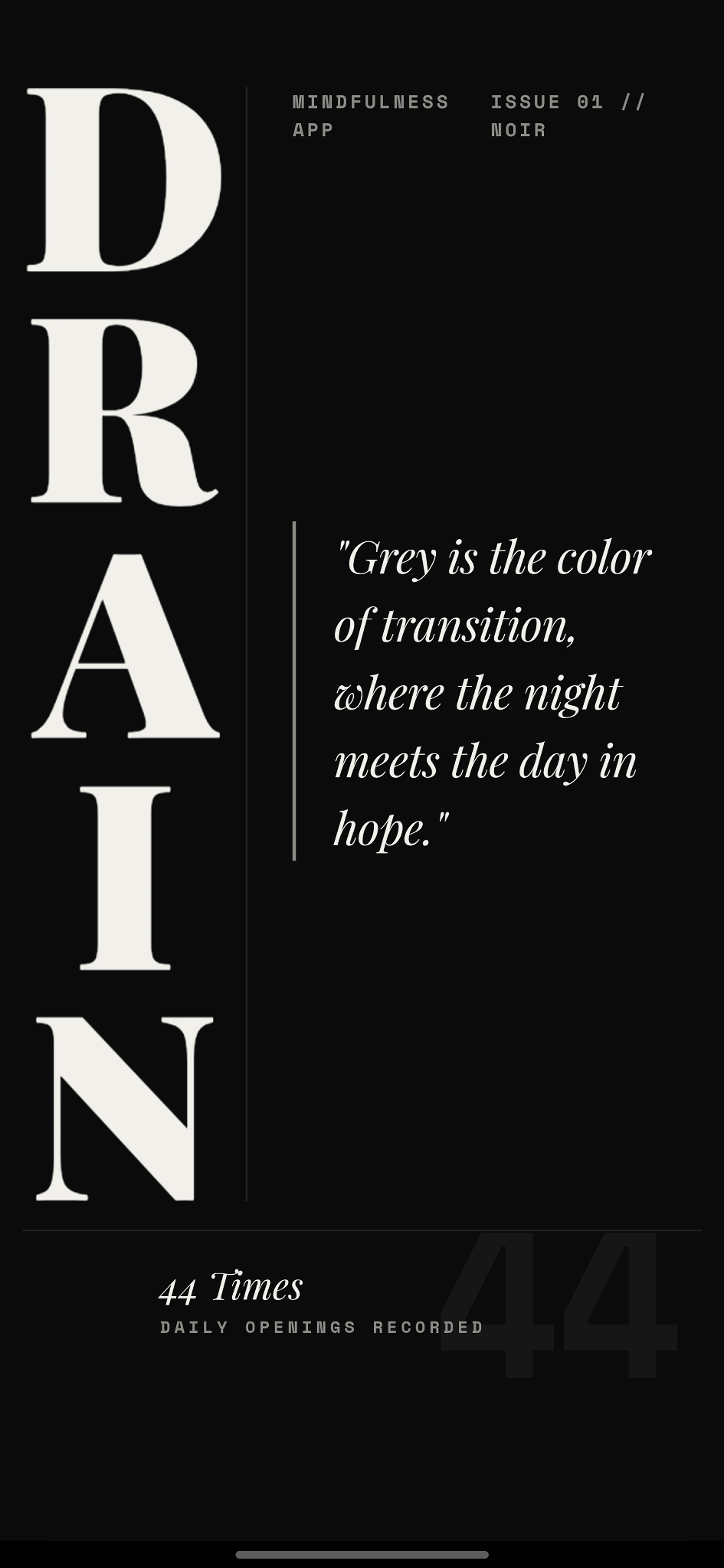
Drain's home screen showing the current filter status and a button to take you out of the loop.

Start Manually or Automatically

Use it on demand, or let Drain notice when your chosen apps come forward.
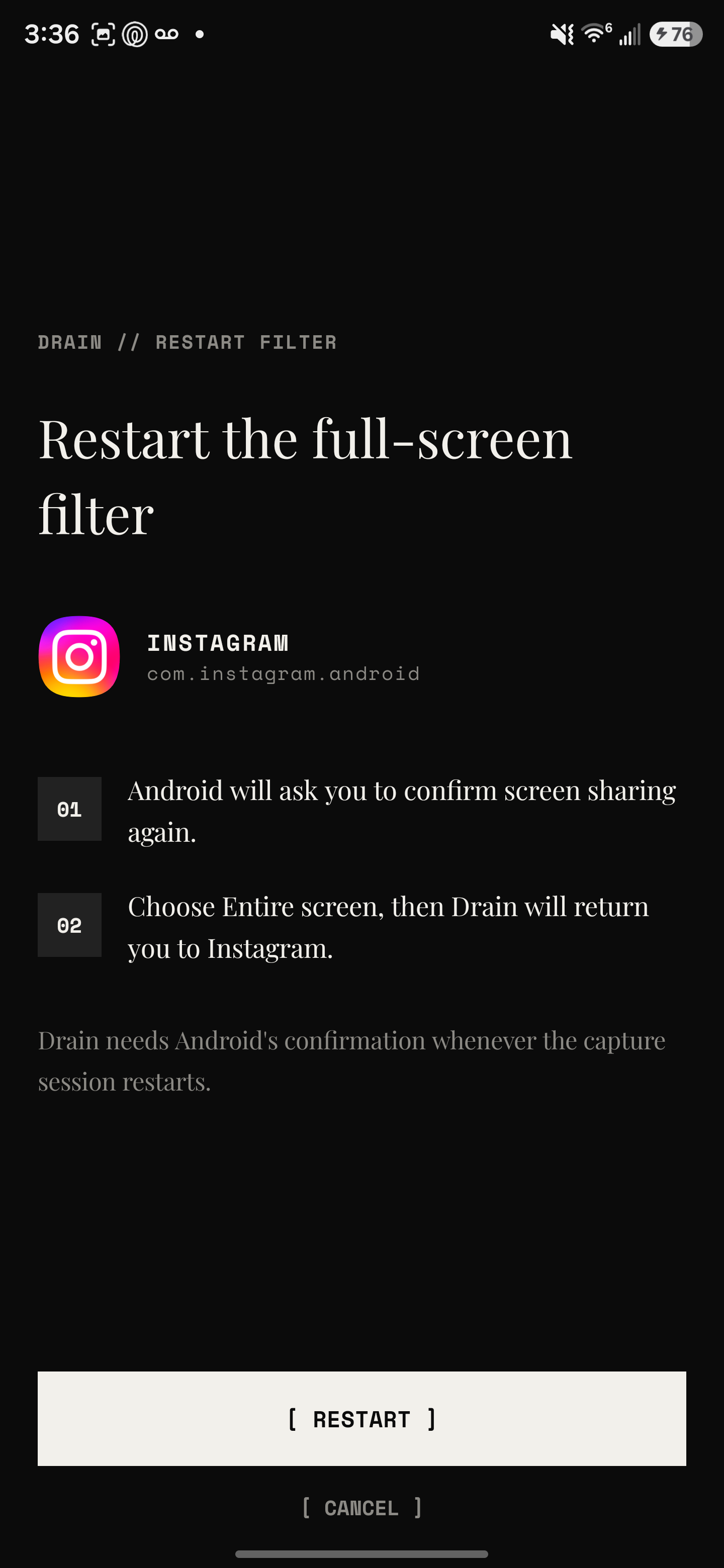
Drain's restart filter screen explaining that Android requires a screen-share confirmation before the overlay begins.

Android Asks to Screen Capture

That confirmation belongs to Android. Drain does not bypass or hide it.

Drain reduces the visual intensity of an endlessly scrolling short-video feed.

Questions

FAQs. Short answers.

Why use Drain instead of an app blocker?

Drain is for people who still need access to certain apps but want them to feel less sticky.

Why does Android ask about screen capture?

Android controls that confirmation step. Drain uses the live capture feed to compute the effect while active.

Does Drain store my screen contents?

No. The site and privacy policy should be explicit that live contents are not stored as recordings.

Policy

What Drain doesn't do matters too.

The trust story should be short and specific: what Android permission is involved, what stays local, and what is not stored.

No screen archive Drain uses live screen capture for the effect, not for building a recording history.
No keystroke logging It is not intended to capture what you type or turn Accessibility into a surveillance layer.
Foreground detection can stay local Selected package names may be used locally so the overlay starts where you expect it to.
Privacy and permissions stay visible Support, permissions, and privacy should remain one click away instead of buried in marketing copy.